

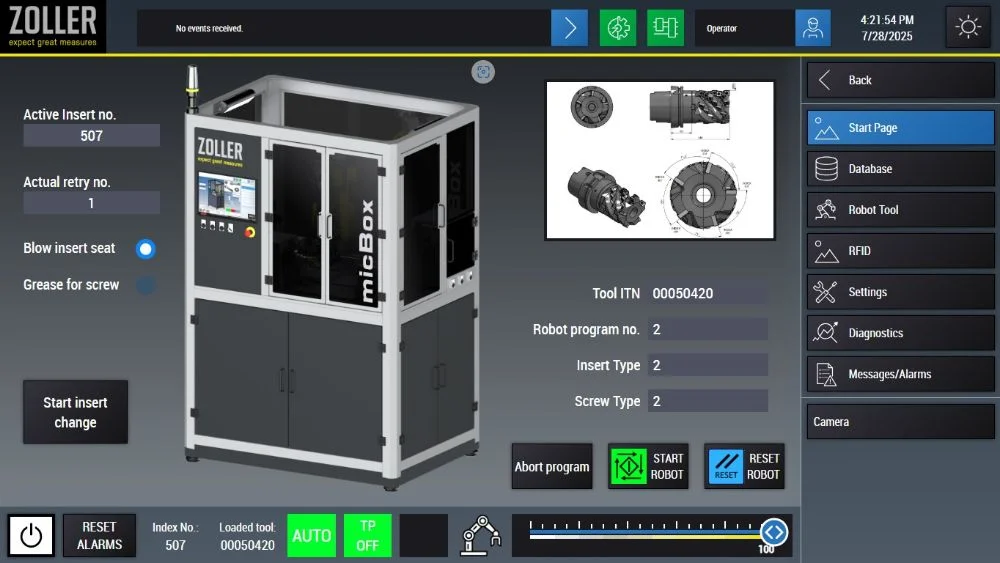
The home screen displays all important information at a glance and features a clear, comprehensive, and user-friendly surface. The operator can view information about the loaded tool and the current robot status at any time, and important messages are reliably displayed. From this central user interface, the operator can quickly navigate to all other areas within the control software. The system can be started with just one click!
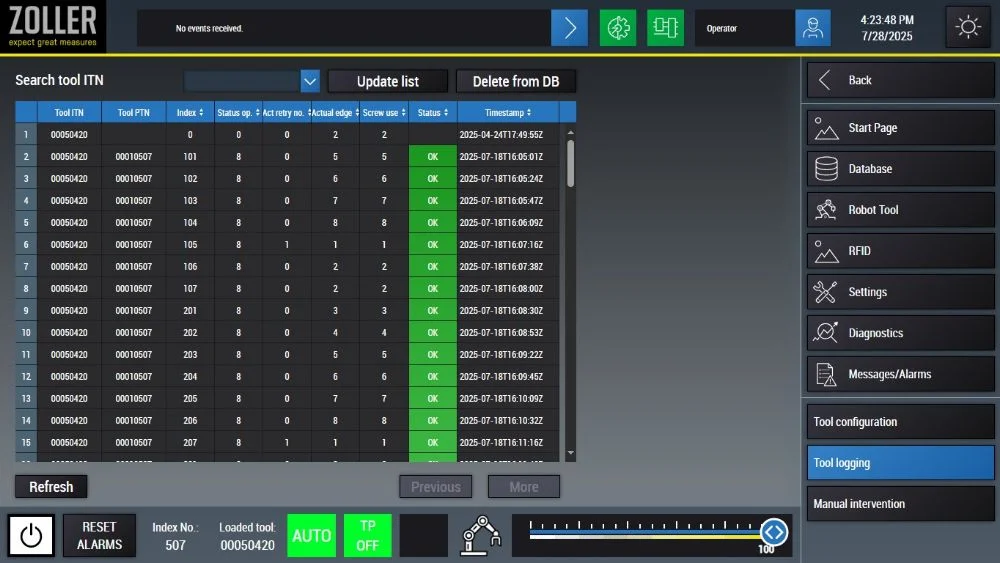
The database overview permits the operator to view all relevant information about the currently loaded tool. It precisely displays how many indexable inserts have been used and how many times an exchange has occurred—all of which is monitored and recorded automatically. Through convenient submenus, the operator can enter and adjust all necessary tool data quickly and simply on the configuration page.
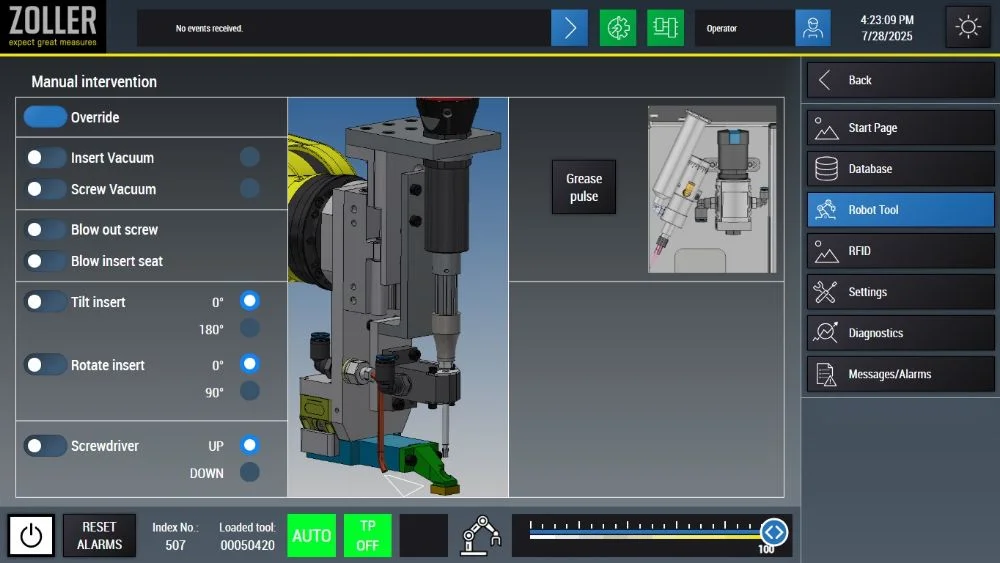
The control system’s graphical user interface provides a clear overview of all available modules—from the robot controller to the rotation and swivel unit to the screw lubrication station. Each module can be conveniently controlled manually, as can the robot itself directly through the software. Important status displays such as robot status, tool ID, and messages remain visible at all times—even when exchanging between pages. This ensures maximum transparency and ease of use.
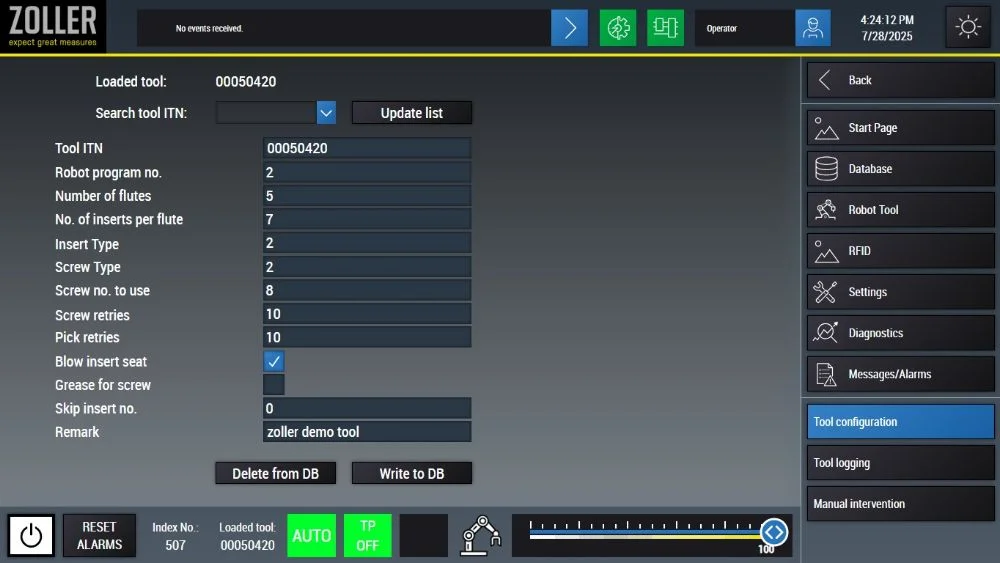
The tool configuration is simple for the operator: This allows new tools to be created quickly and all necessary information for the robot to be entered. Existing tools can also be easily edited and refreshed at any time. The “Delete from DB” and “Write to DB” buttons allow tool data to be managed directly and conveniently in the database—deleting or adding tool data is reliable and seamless.


Select language
Europe