

Reach Your Goal Safely and Efficiently
With the ZOLLER »redomatic«, shrink tools are quickly ready for use. The »pilot 4.0« image processing technology, the carrier system, and the continuous monitoring of the steps facilitate fast and reliable operation.
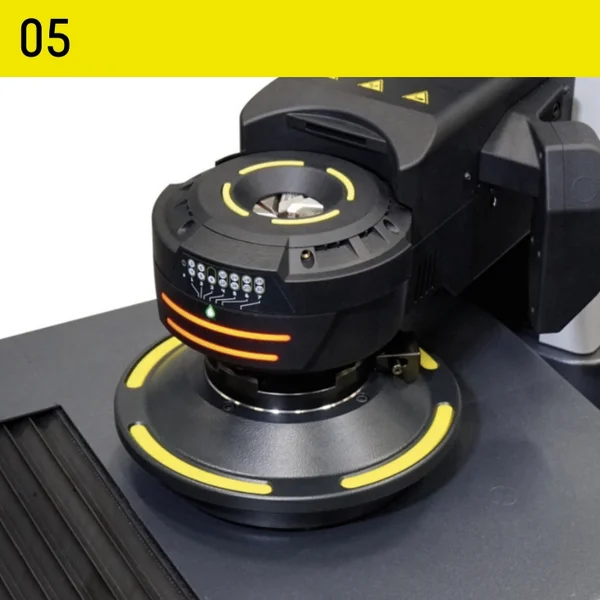
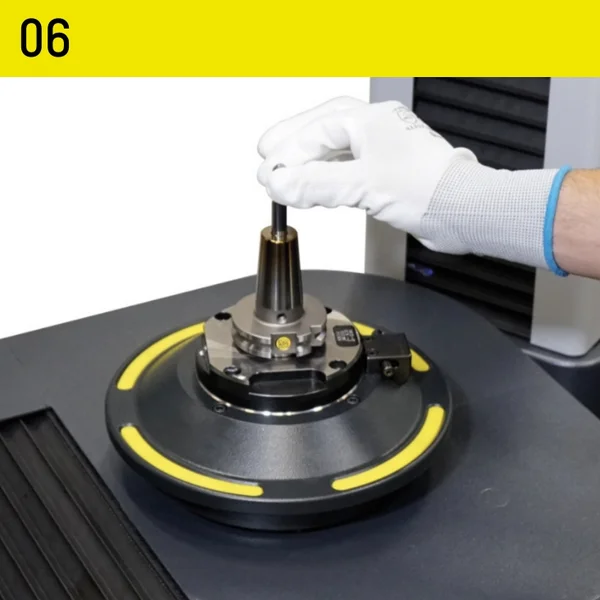
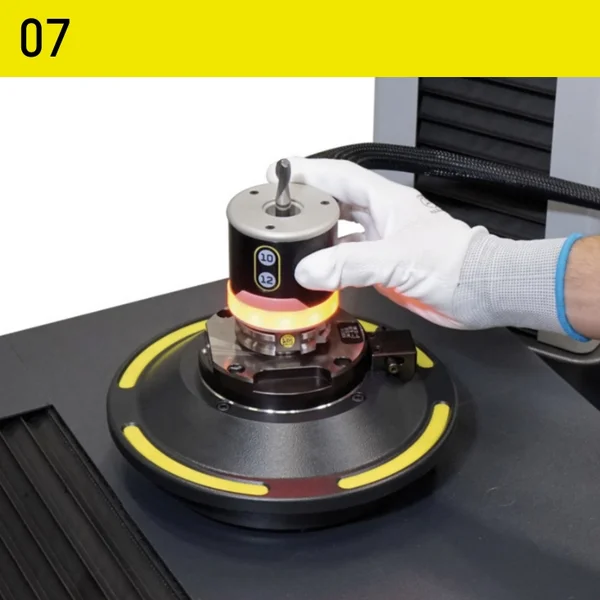
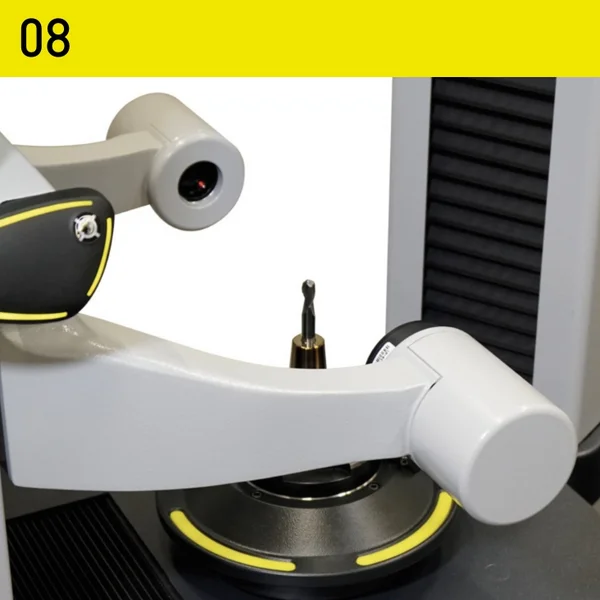
The »redomatic’s« technology ensures the shortest possible process times. Even inexperienced operator’s personnel can achieve this after just a short training period. All components have their fixed places on the carrier system. The »pilot« image processing technology »4.0« guides the operator through all steps and controls many processes fully automatically. For each step, the software specifies the component required and displays on the screen where the component is located on the carrier system. »redomatic« is the solution for adjusting, measuring, and shrinking tools to exact lengths.
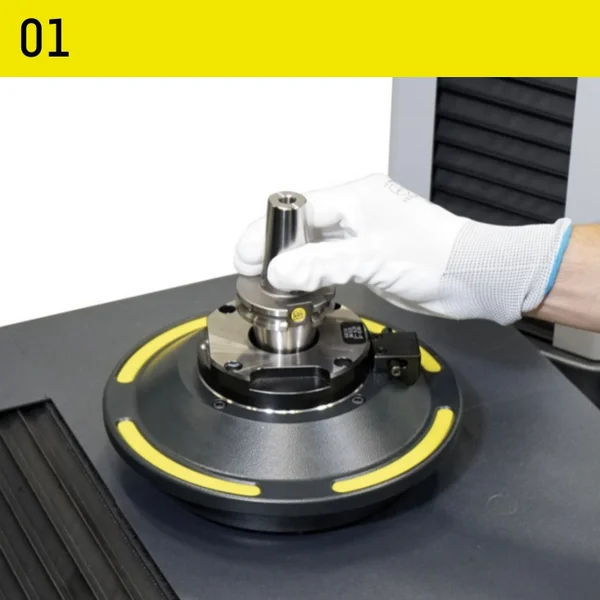
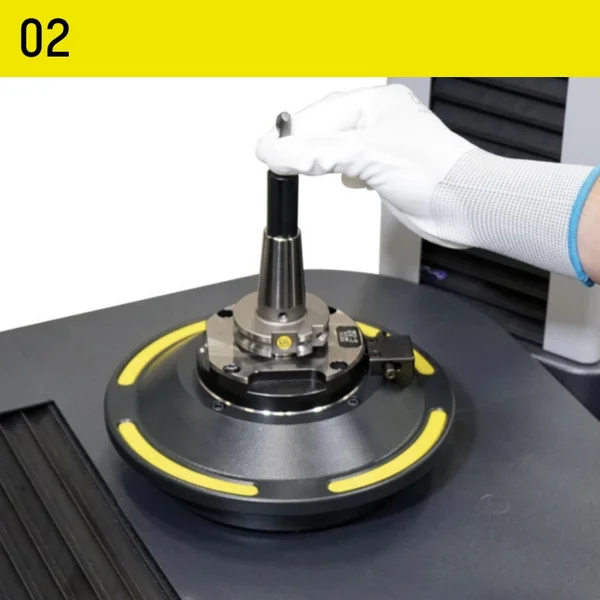
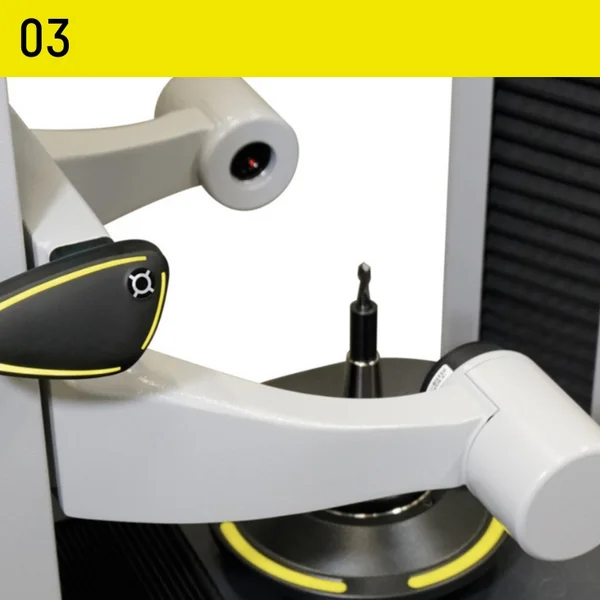
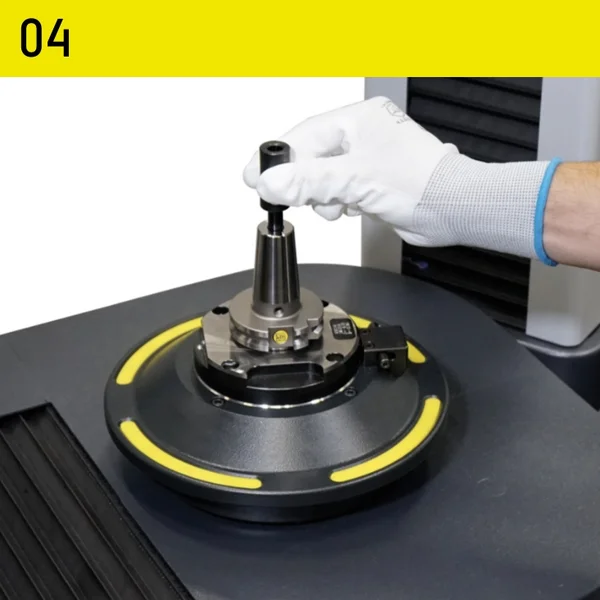
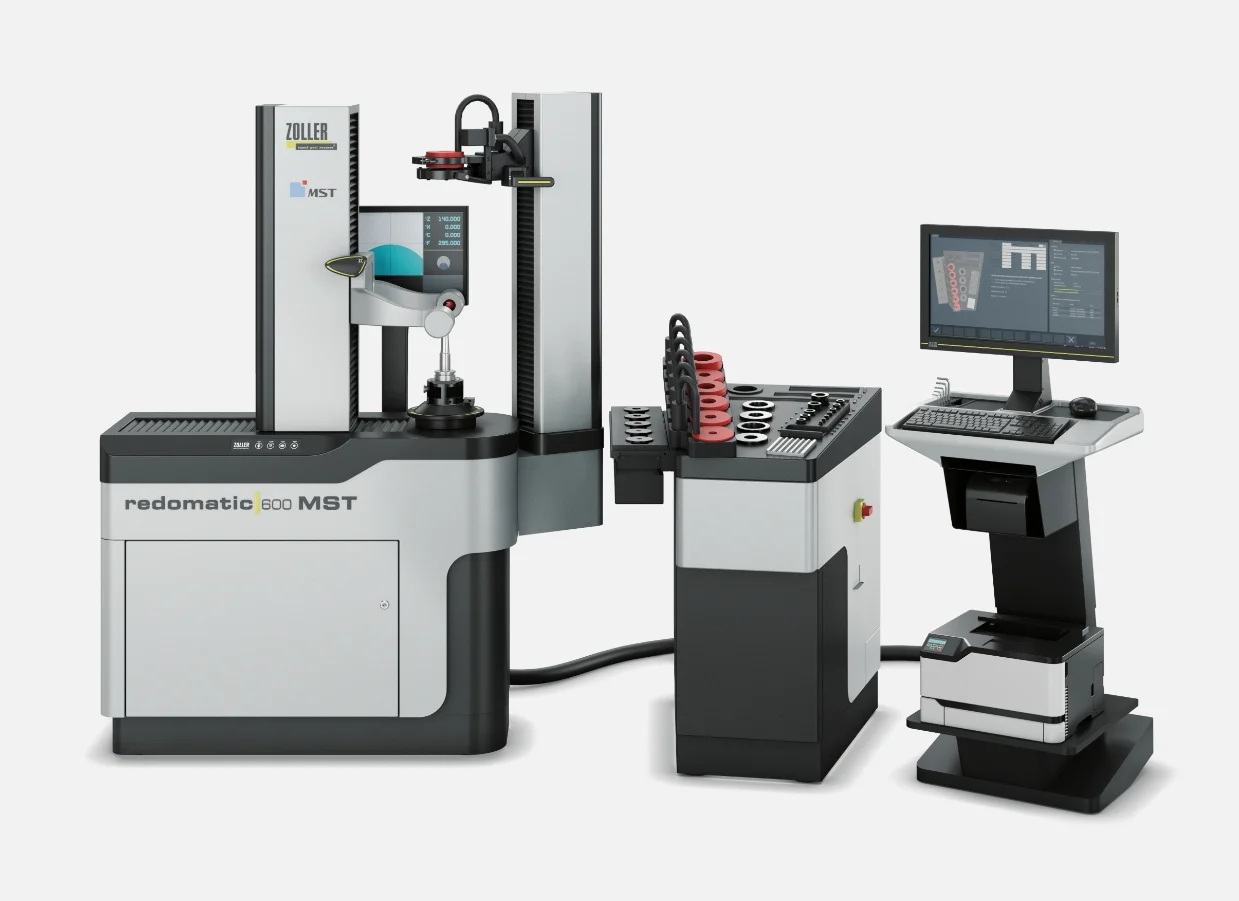
»redomatic 600« MST
Automated process for shrinking tools to 10 μm accuracy
With a »redomatic 600« MST from ZOLLER, you can use your MST tool holders optimally and thereby boost the efficiency of your production.
With »the« »redomatic 600« MST, you can be sure that tool lengths are always set correctly. The shrink-fit process developed by ZOLLER, using the »masterPiece« setting adapter, is both fast and simple. The perfect interplay between mechanical systems, pneumatics, electronics, and software, along with continuous parameter monitoring and automatic measurement sequences, guarantees you the highest level of process reliability.
»pilot 4.0« is the comprehensive software solution for all ZOLLER presetting and measuring machines. The intuitive graphic user guidance guides users quickly and safely to precise measurement results. This makes »pilot 4.0« so simple to use that even complex measuring tasks can be completed immediately. At the same time, the software offers such a wide range of functionality that there is a solution for every requirement. It is no coincidence that »pilot 4.0« applies as the unrivaled global standard for tool settings, measurement, and inspection.
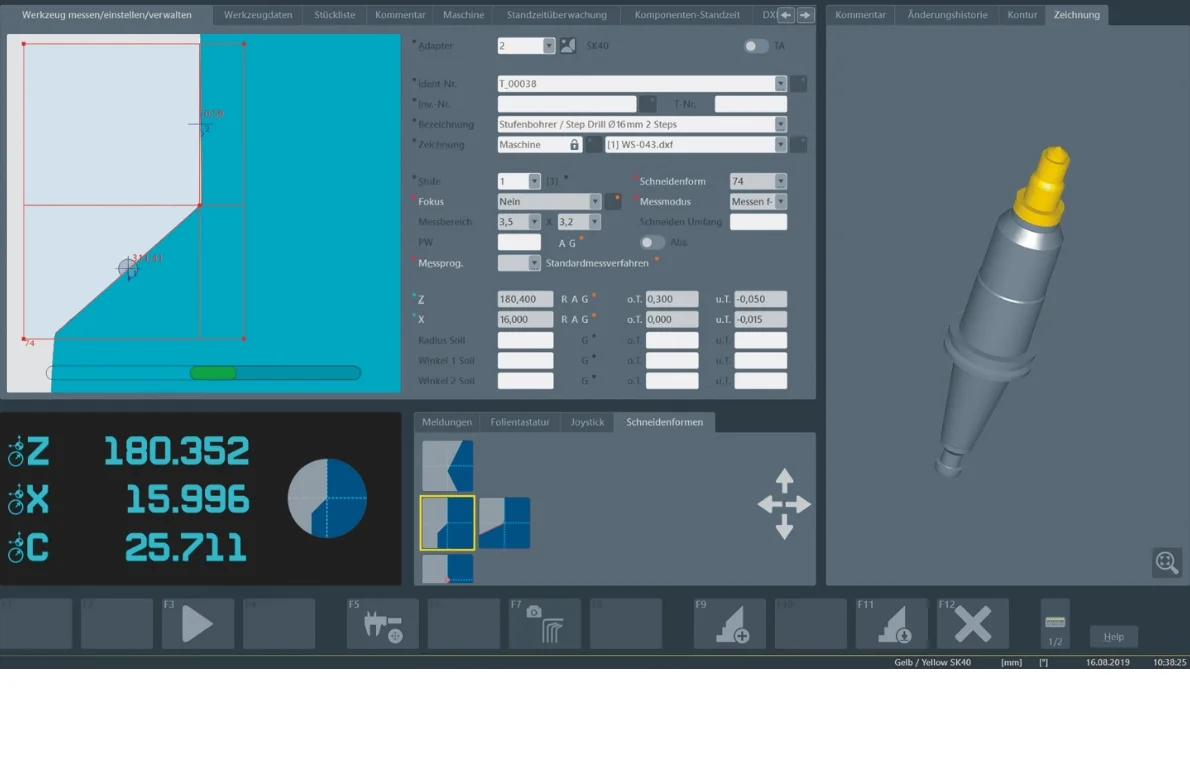
 Tool-Specific Information
Tool-Specific Information
adapter managementadapter management
- Tool designation for unique identification
- Nominal values with tolerance specifications
Cutting-edge shapesCutting-edge shapes
Automatic Detection of Cutting-Edge Shapes
Function ButtonsFunction Buttons
With self-explanatory icons
Live camera view of the cutting edgeLive camera view of the cutting edge
- Dynamic Crosshairs
- Angle display with selectable reference axis
Current Position InformationCurrent Position Information
- Current position data for the axes
- Currently active cutting-edge shape
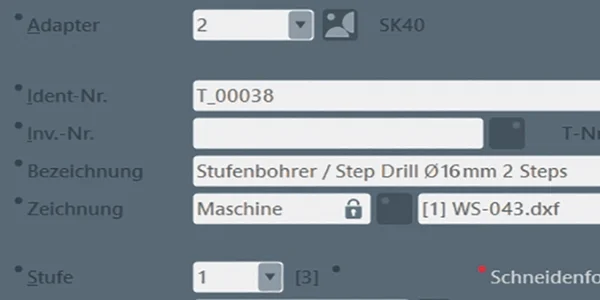
- Tool designation for unique identification
- Nominal values with tolerance specifications
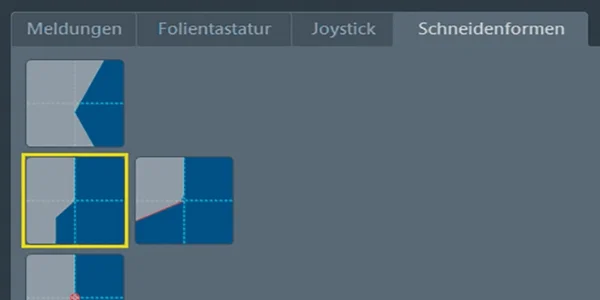
Automatic Detection of Cutting-Edge Shapes
With self-explanatory icons
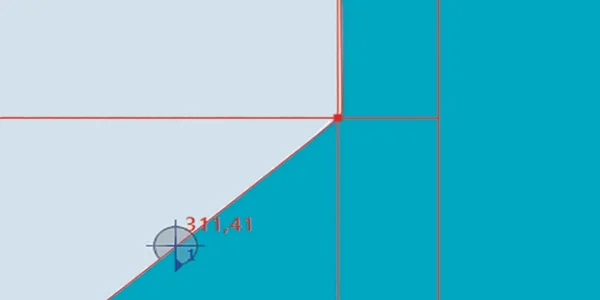
- Dynamic Crosshairs
- Angle display with selectable reference axis
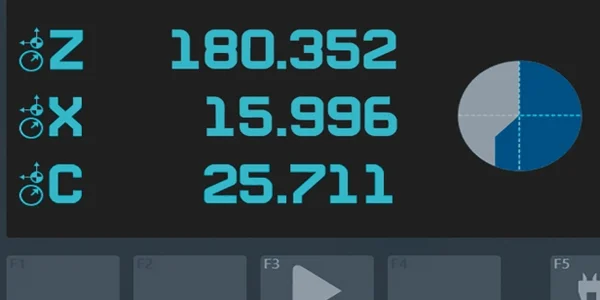
- Current position data for the axes
- Currently active cutting-edge shape


Select language
Europe