
Reach Your Goal Safely and Efficiently

With ZOLLER’s »powerShrink«,« shrink-fitted tools are ready for use in no time: thanks to the intuitive »pilot« software, the intelligent induction system, and continuous monitoring of the steps.

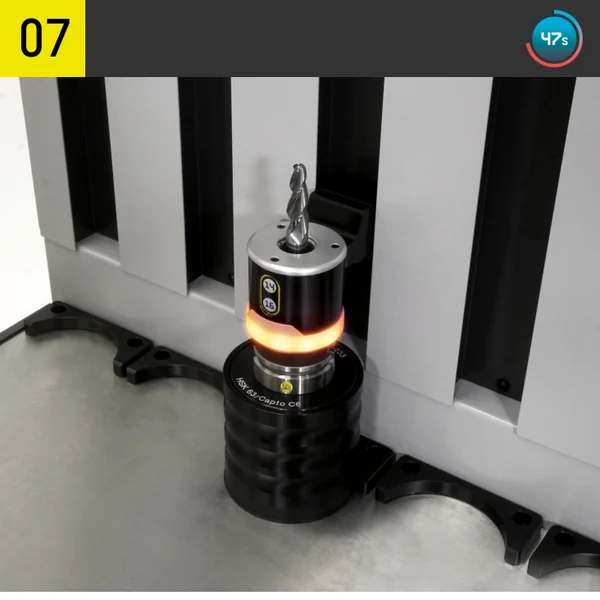
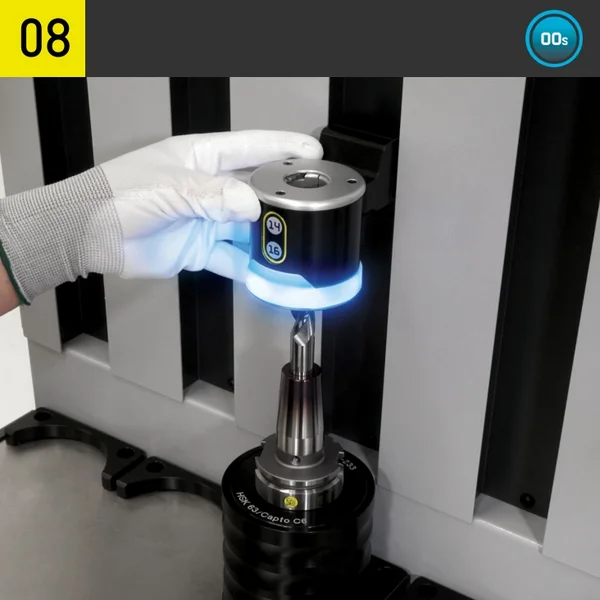
The »powerShrink« technology ensures the shortest possible process cycles. Even inexperienced operators can achieve the resulting short process times after just a brief training period. The »pilot« operating software guides you through all steps and controls many processes fully automatically. For each step, the software displays the component required and provides visual support through graphic displays on the screen and the pioneering ZOLLER »actbyLight« user guidance concept—the light-guided user guidance designed for the safe and efficient use of »the« »powerShrink« in your company.
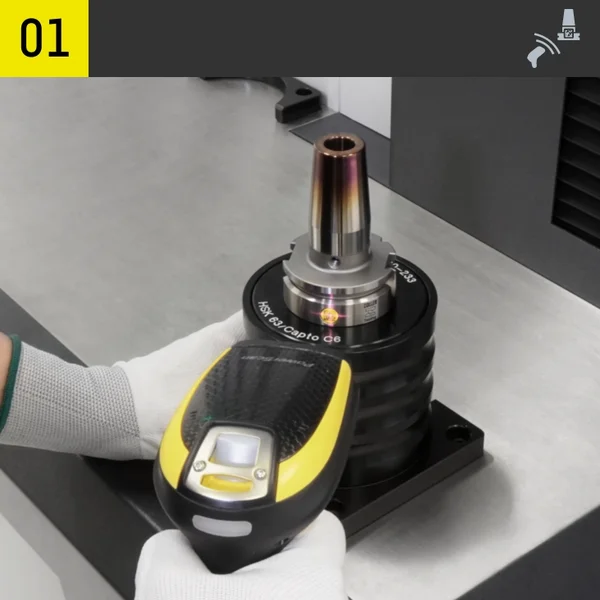
Use the shrink fit holder; select the heating parameters (manual/automatic via »»idChip««)

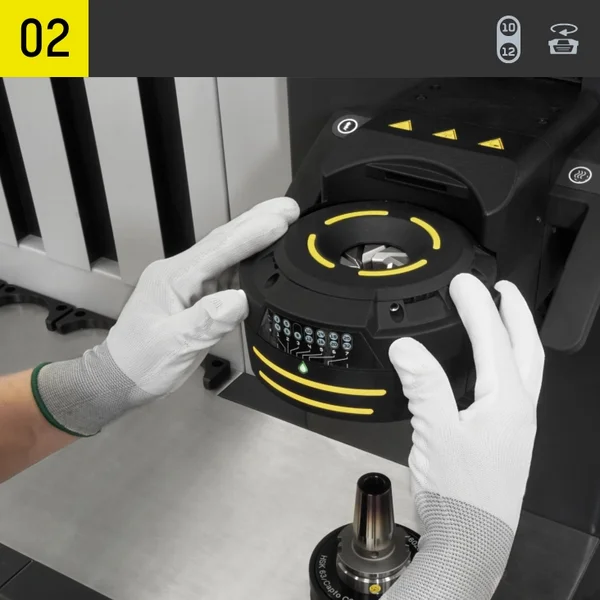
Shielding system: Use the disc or »»varOct«« (manual/motorized) for alignment

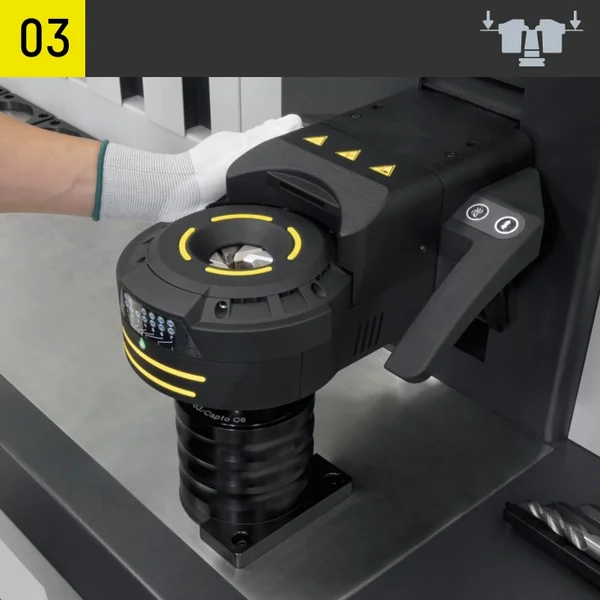
Move the coil down until it rests on the shrink fit holder

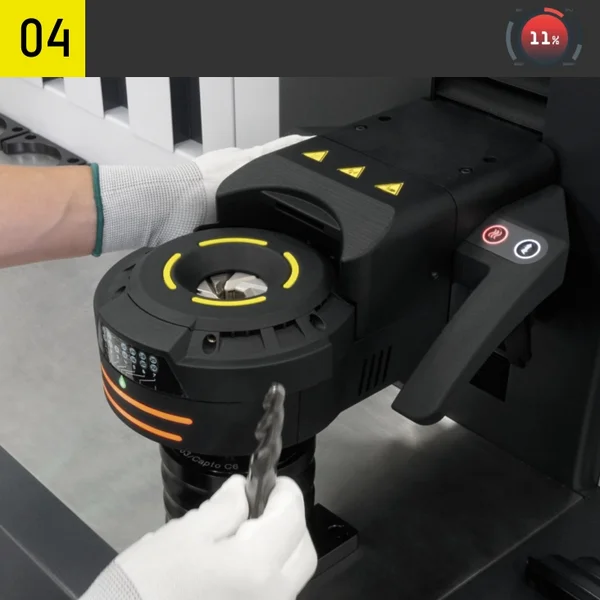
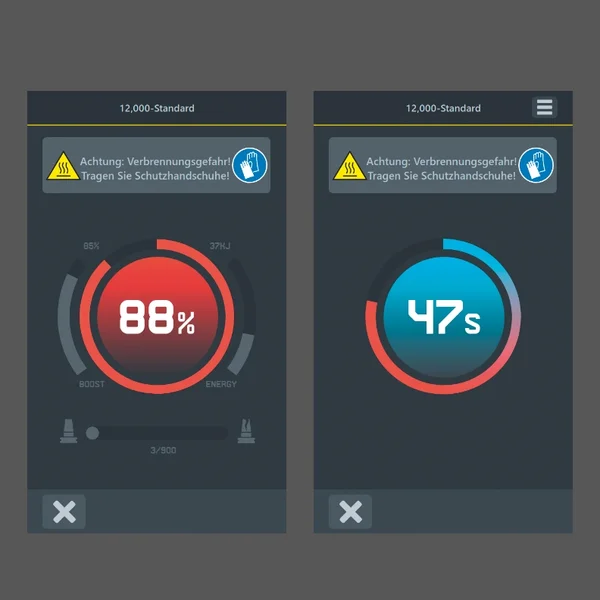
Start the heating process; the heating progress is represented in the software

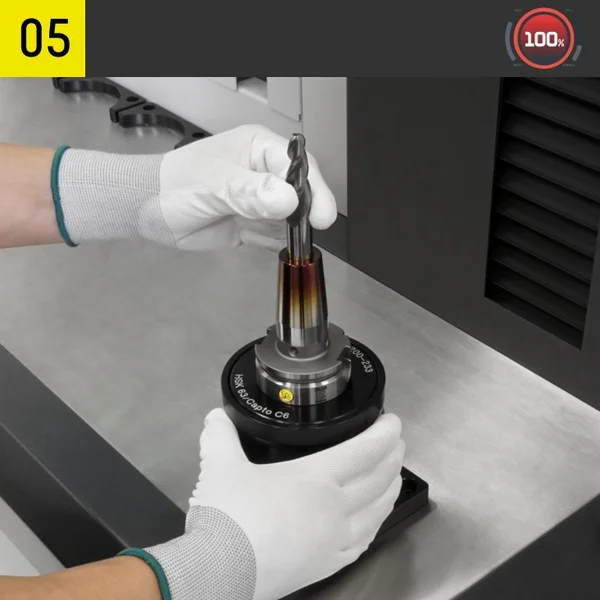
After the heating process, raise the coil and use the cutting tool in the shrink fit holder

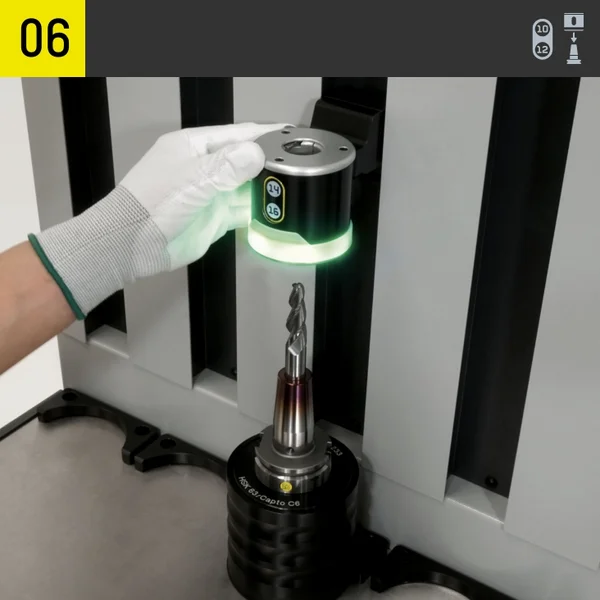
Slide the mount onto the green-flashing cooling bell and place it on top

The cooling process starts automatically; when it ends, a blue light is displayed

After the cooling process is complete, remove the cooling bell from the shrink fit holder

Clearly managed and perfectly connected

The clearly structured graphic interface of the ZOLLER »pilot« software guides operators intuitively and reliably step by step through the input dialog using large function buttons and a well-designed color scheme. The 12.5-inch monitor delivers a razor-sharp representation.
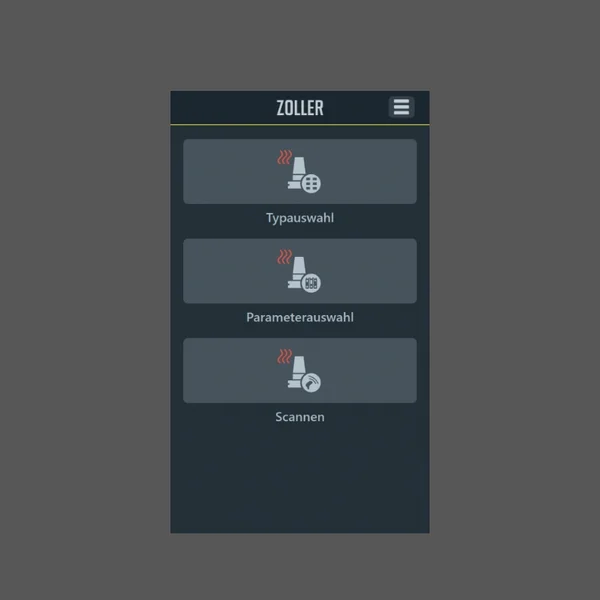
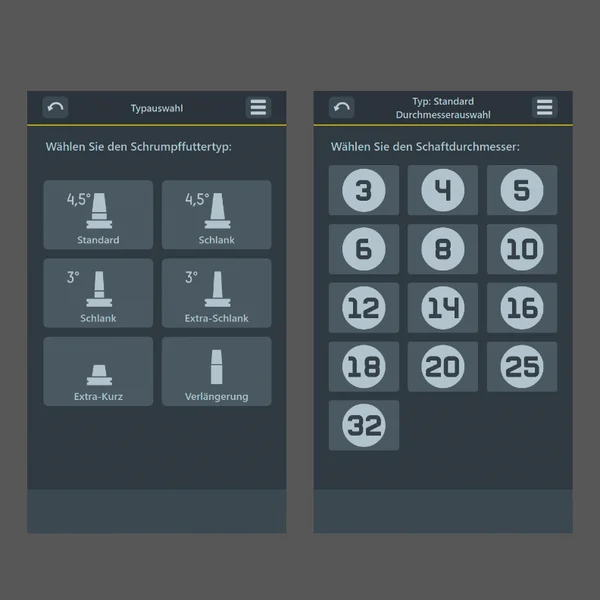
Main Menu – large function areas with clear figures: Shrink-fit chuck selection, parameter selection, or scan code.

Parameter Selection – The required heating parameters can be selected simply and reliably using clear and intuitive software interfaces.

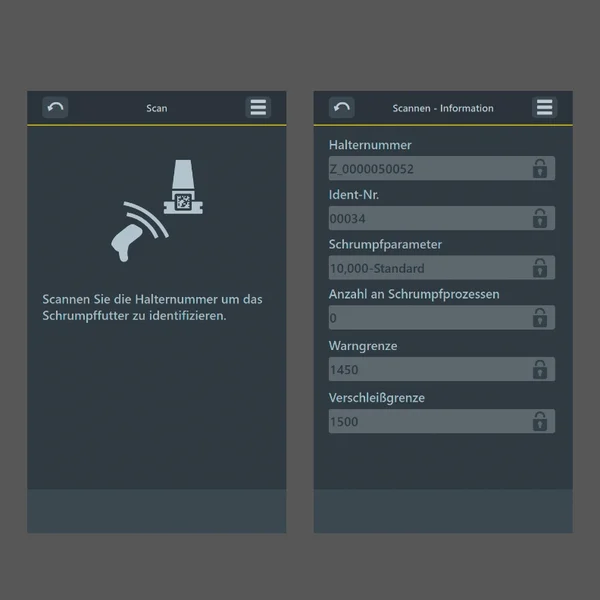
Scan Function – All parameters corresponding to the shrink fit holder are loaded automatically, regardless of the manufacturer. Monitoring of the number of heating cycles and viewing of information for each shrink fit holder is possible.

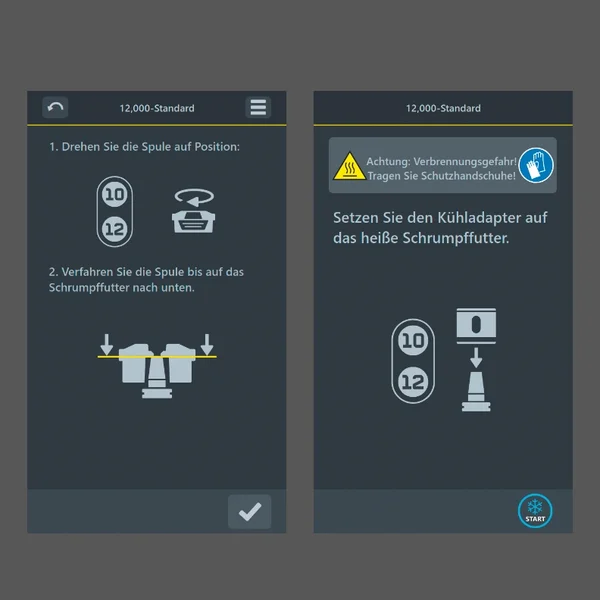
Step-by-Step Guidance – Throughout the entire shrinking process, »pilot« displays the exact step to perform and when.

Status Displays – Whether heating or cooling, »pilot« shows you the process progress and important safety instructions at all times.