
BRONZE: Additional Efficiency with CAM Interfaces

The BRONZE package’s feature set enhances tool management with interfaces to CAD/CAM systems. In addition to the cost-effective management of individual components, complete tools, setup sheets, and accessories, you can use CAD and CAM data throughout the workflow. Optimize the CAM-to-Part process chain with tool data. 

  • One-time data entry in the central tool database, z.One
  • Setup sheets and setup plans with unique tool definitions and part graphics
  • Time savings in CAM and setup processes thanks to clear component and tool definitions
  • Automatic generation of envelope contours
 

BRONZE Package Software Modules

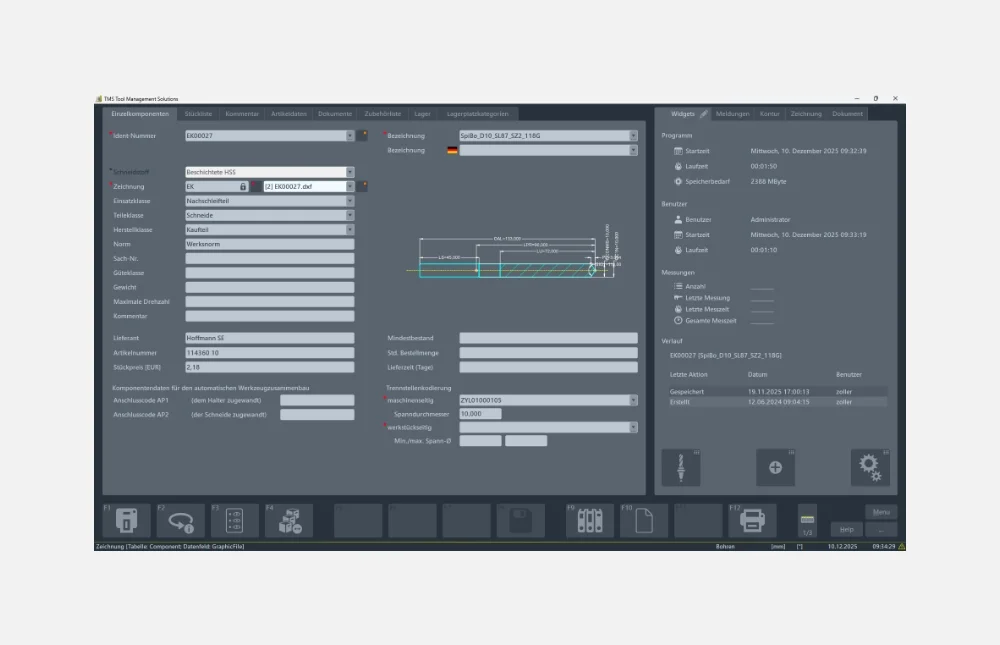
Individual Component Management

The software module for the detailed system configuration of individual components creates a future-proof IoT foundation for tool management.

System Detail Data Creation:

  • DIN 4000/4003/ISO 13399 Parameterization
  • Technology Data (Cross-Section Values)
  • Graphic Component Representation
  • 2D and 3D generation in accordance with DIN 4000 and ISO 13399
  • Import of 2D formats: DXF/DWG/BMP/TIF/JPG/GIF/PNG
  • Import of 3D formats: STEP/STL
  • Detailed data (e.g., cutting material)

Management of Individual Components

Modules for Adding Your Individual Components

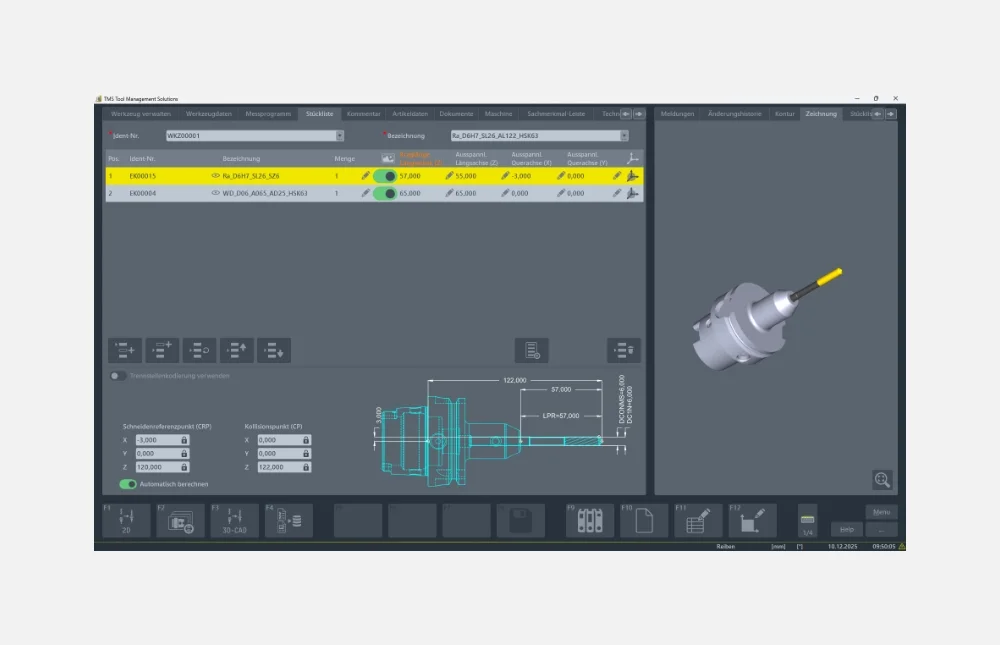
Management of Complete Tools

Based on the individual components, the “Tool Data Management” function provides graphic and parametric tool assembly in accordance with the real tools available. In addition, correct tool assembly is ensured in accordance with the parts list/component definition.

This module offers a wide range of options:

  • Management of accessories and parts lists
  • Creation of utilization records for individual
    components and complete tools
  • Supported 2D formats: DXF/DWG/BMP/TIF/JPG/GIF/PNG
  • Supported 3D formats: STEP/STL
  • Automatic generation of drawings from individual
    components in the parts list (DXF with connection points)

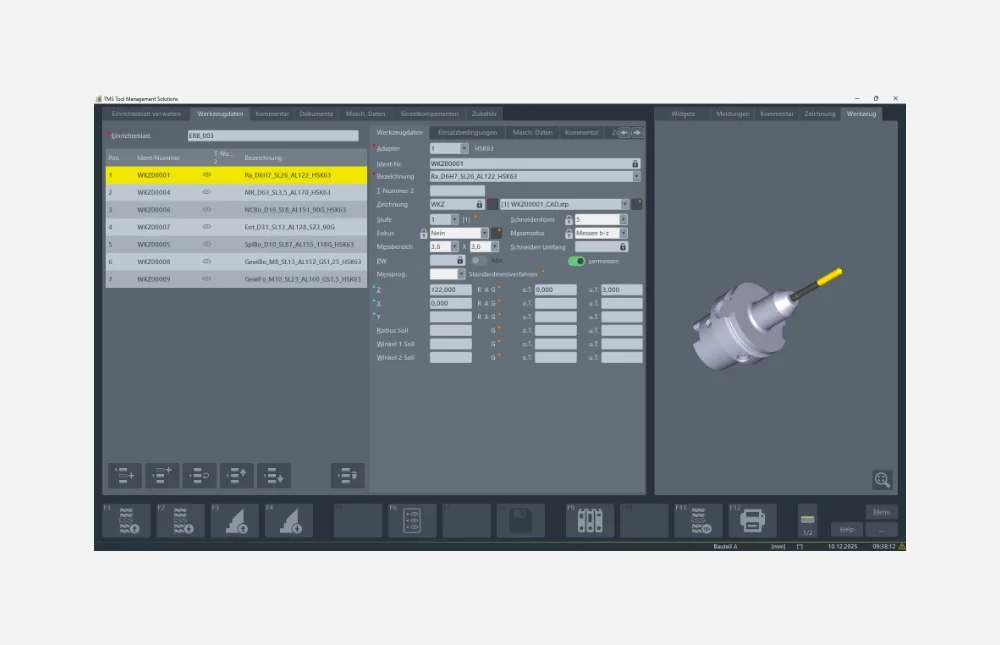
Management of Complete Tool Sets

The Tool Data Management function ensures the smooth provision of all tools required in the production process.

Management of Setup Sheets

Setup sheets provide the user with a list of information and resources required for an order. These can be forwarded directly to the store, the CAD/CAM workstation, or the machine and used there.

Management of Setup Sheets

Simple Management and Forwarding of Setup Sheets

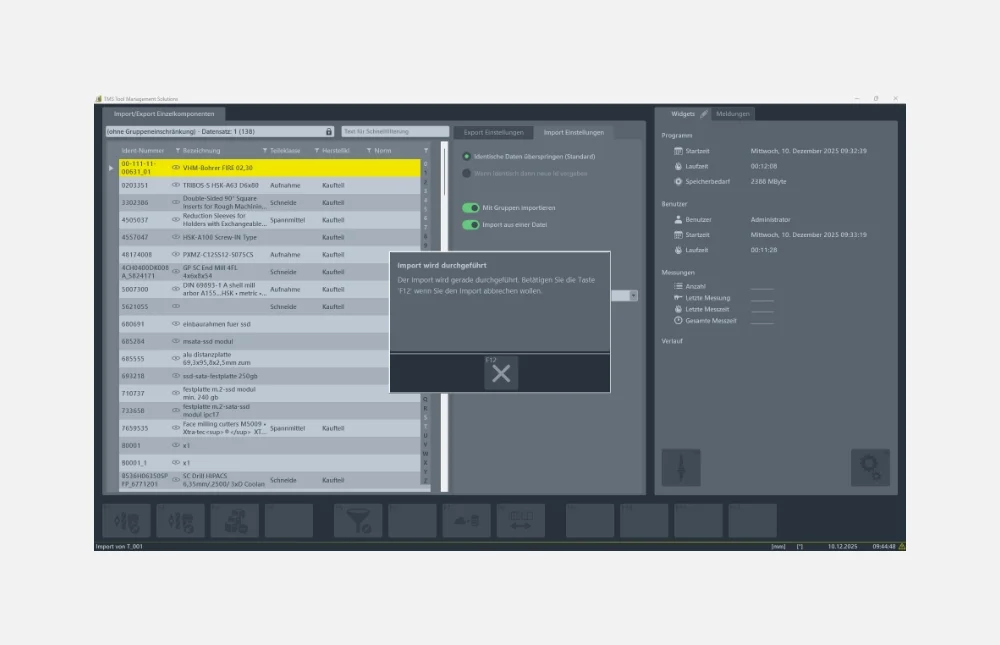
Data Import/Export

Import and export of tools, individual components, setup sheets, accessories, machine data, and more between individual ZOLLER products. Using import filters, data can be imported or exported via post-processors, regardless of the platform.

Your benefits:

  • Optional integration with third-party systems
  • process reliability
  • Simple and fast manipulation thanks to simple structures

Data Import/Export

Platform-independent import and export of your data in XML format to and from the ZOLLER tool database, z.One

Catalog Import of Tool Data

Imports tool data from many well-known manufacturers and cloud-based service providers (e.g., CIMSOURCE and GTDE), enabling the rapid provision of 2D/3D graphics, article characteristics, and technology data. The tool data can be supplemented at any time and made immediately available via export. Using the web service, third-party applications can access the shared database and, for example, import newly compiled setup sheets.

Importing Tool Data from a Catalog

Imports tool data from many well-known manufacturers (e.g., CIMSOURCE and GTDE) and can thus quickly provide 2D/3D graphics, article characteristics, and technology data

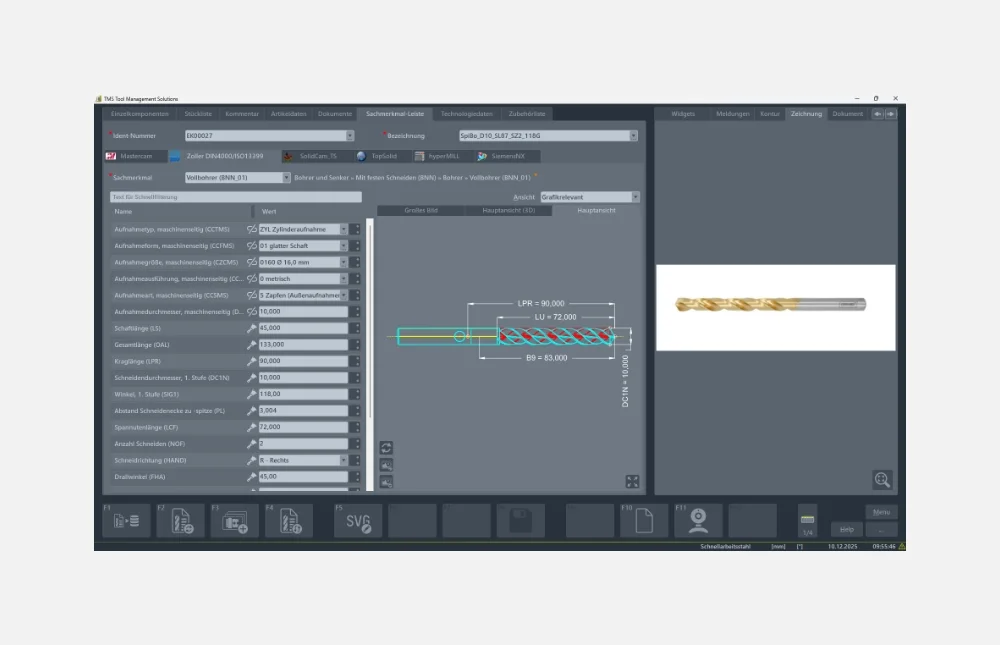
Property Bar According to DIN 4000

Using the complete DIN 4000 attribute bar structure, you can define your individual components in accordance with the standard. This guarantees a seamless exchange of information with third-party systems such as CAD/CAM and NC simulation systems. This uniform, standardized database forms the basis for automatic tool data import.

Your benefits:

  • Time savings through automatic tool data import
  • Process reliability through error prevention

Product Characteristics Bar According to DIN 4000

Standard-Compliant Definition of Your Individual Components

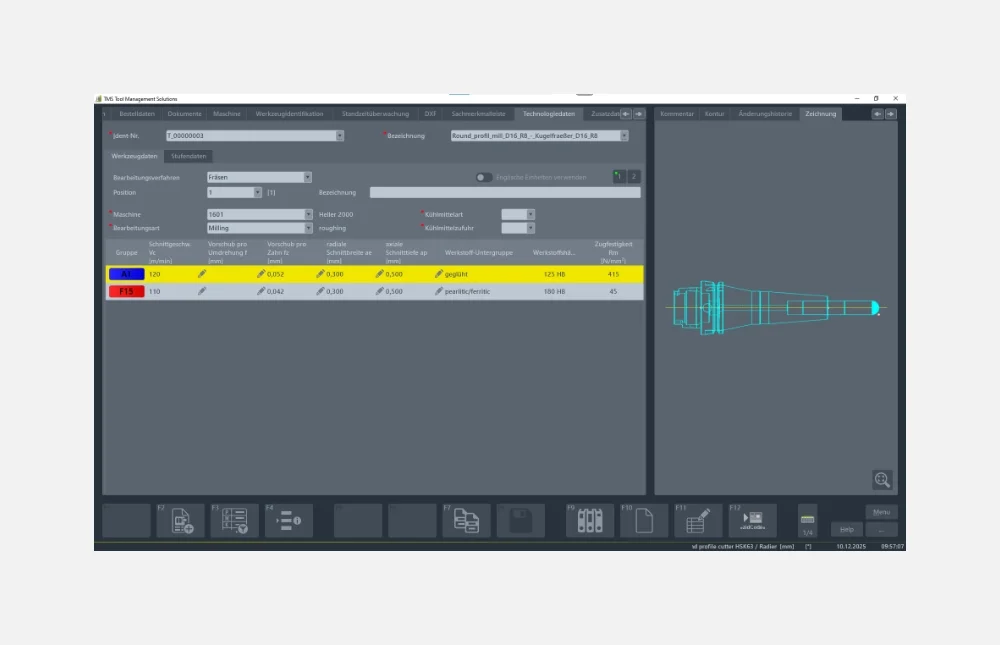
Technology Data and Article Characteristics

The Technology Data and Article Characteristics module serves for the centralized and intelligent management of individual components and complete tools.
It allows you to catalog your tools in a practical manner, optimize their usage, and store cutting parameters. Maintaining a single database saves time and money.

Your benefits:

  • Safety through consistent data usage
  • Time and cost savings by maintaining just one database

Technology Data and Article Characteristics

Centralized and intelligent management of technology data and article characteristics for your individual components and complete tools

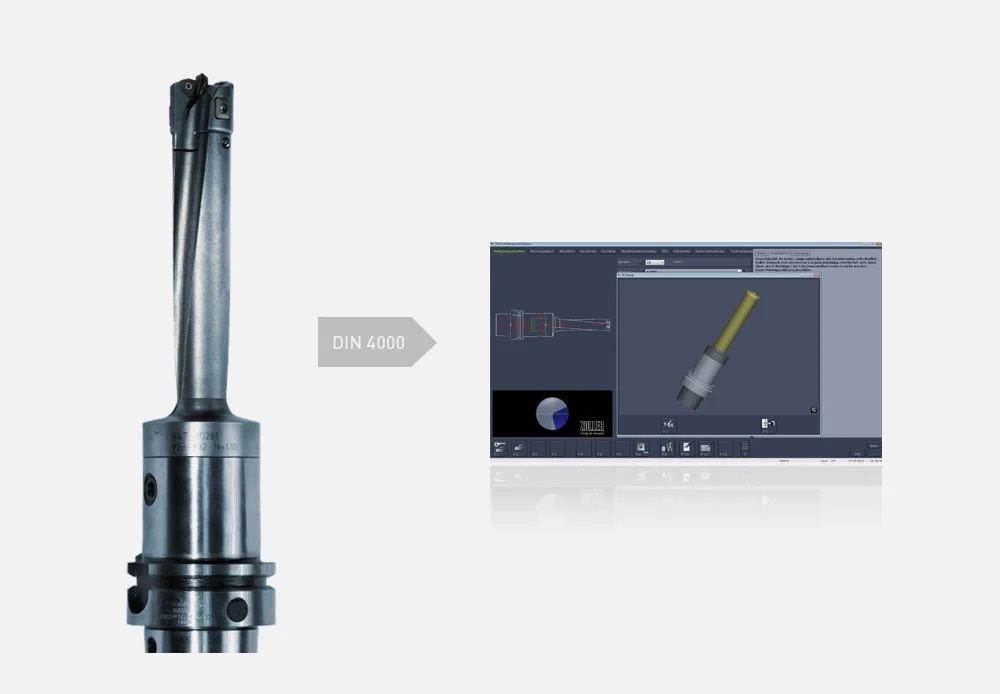
Automatic Generation of Envelope Contours from Article Characteristics

Thanks to the geometric article characteristics structure based on DIN 4000, 2D drawings and 3D contours can be automatically generated from the article characteristics entered or imported into ZOLLER tool management. Changes to your tools (e.g., protruding length) are automatically reflected in the drawings. The 3D contours can be exported and made available to CAD/CAM and simulation systems for collision detection.

Your benefits:

  • Fast and reliable tool assembly based on the tool drawing
  • Collision checking
  • Time savings and process reliability

Automatic Generation of Envelope Contours

Automatically generate 2D drawings and 3D contours

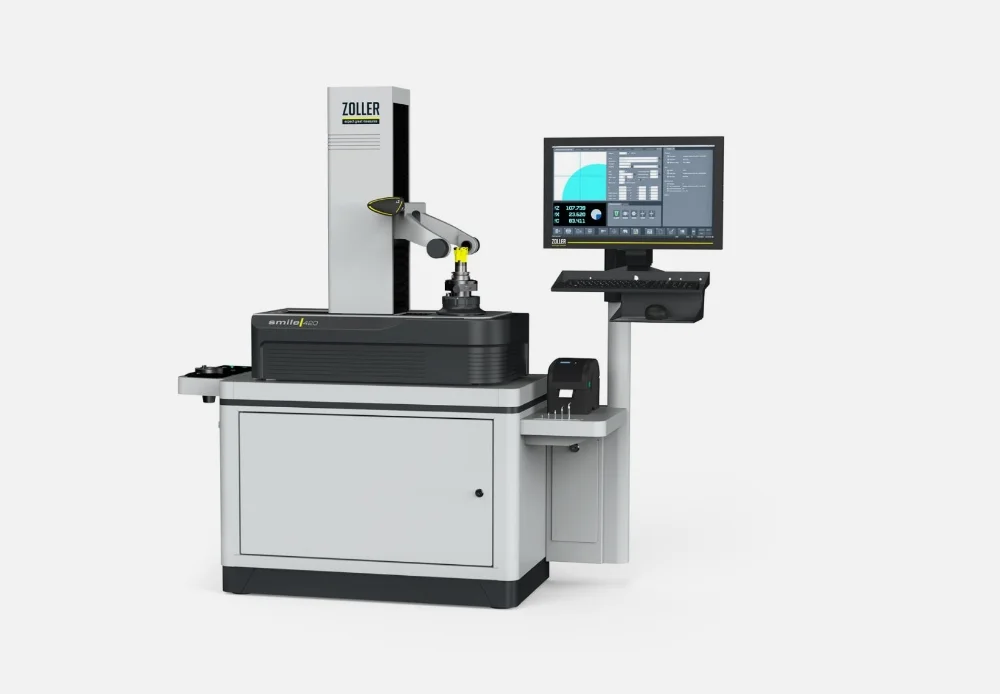
Integration of a Measuring Machine

The BRONZE package includes the integration of a ZOLLER presetting and measuring machine. This allows you to use all the functionalities of the TMS Tool Management Solutions software packages on your ZOLLER device.

Integration of a Measuring Machine

Take full advantage of all the functionalities of the TMS Tool Management Solutions software packages on your ZOLLER device as well

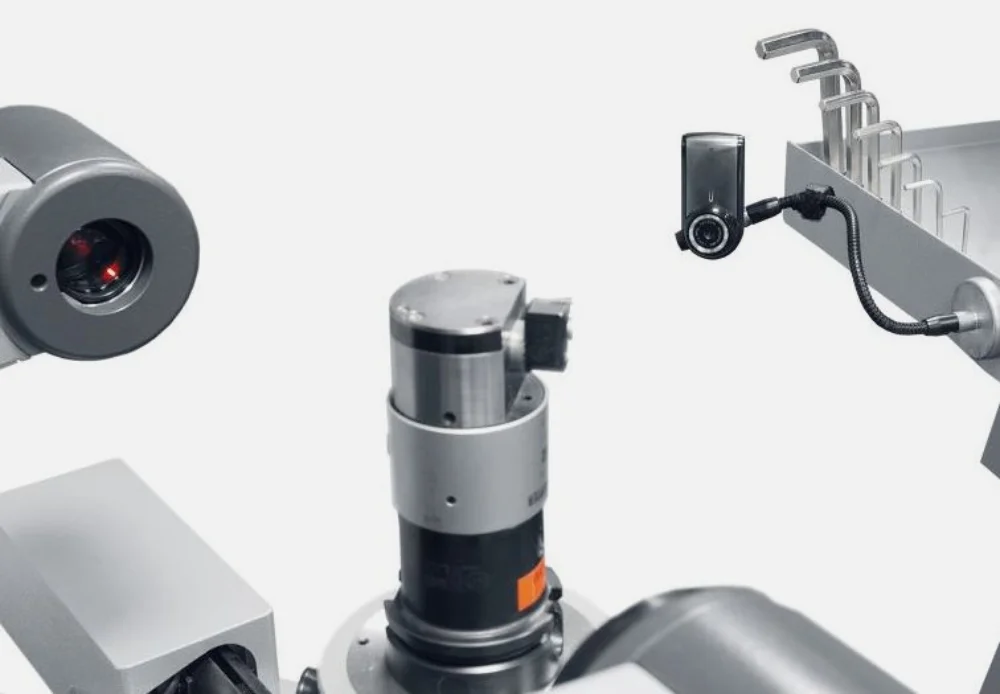
USB Camera

The ZOLLER USB camera is quick and simple to use and enters tool photos directly at the workplace with freely selectable image crops.

Your benefits:

  • Time savings through quick and simple documentation of the tool inventory
  • Visualization is possible at all workstations

USB camera

Enter photos of tools right at the workplace

Cloud Import Options

Importing your tool data into TMS Tool Management Solutions takes just one click thanks to the import option from cloud providers such as ToolsUnited, NOVO, Machining Cloud, Hoffmann, EWS, and others. Depending on which system you use, you can import not only 2D/3D graphics, article characteristics, and technology data for individual components, but also entire assembly groups.

Your benefits:

  • Importing instead of typing
  • Maximum process reliability
  • Maximum productivity

Importing Data from the Cloud

Import your tool data into the z.One tool database with a single click

Web Service

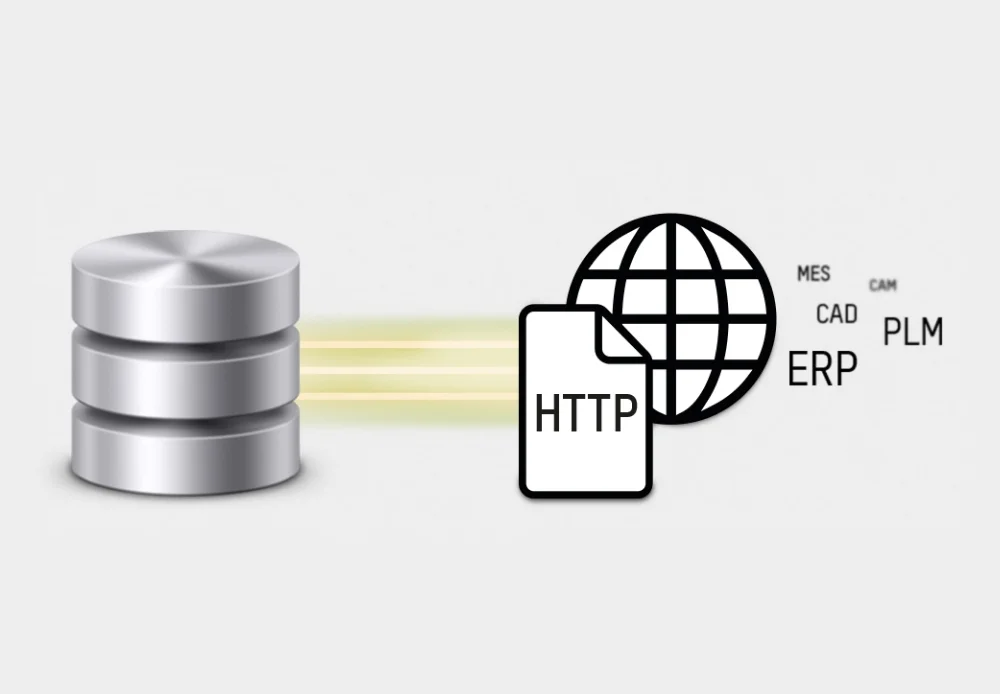
The ZOLLER-WebService serves as the communication tool between the ZOLLER database and all network interfaces via HTTP!

Your benefits:

  • Increased efficiency through fast and customized access to tool data
  • Centralized tool data management—no more duplicate data storage necessary
  • A single master database, no redundant information, and no maintenance effort

Web Service

Communicating with HTTP-based network interfaces

Request a Quote Now: Package Comparison