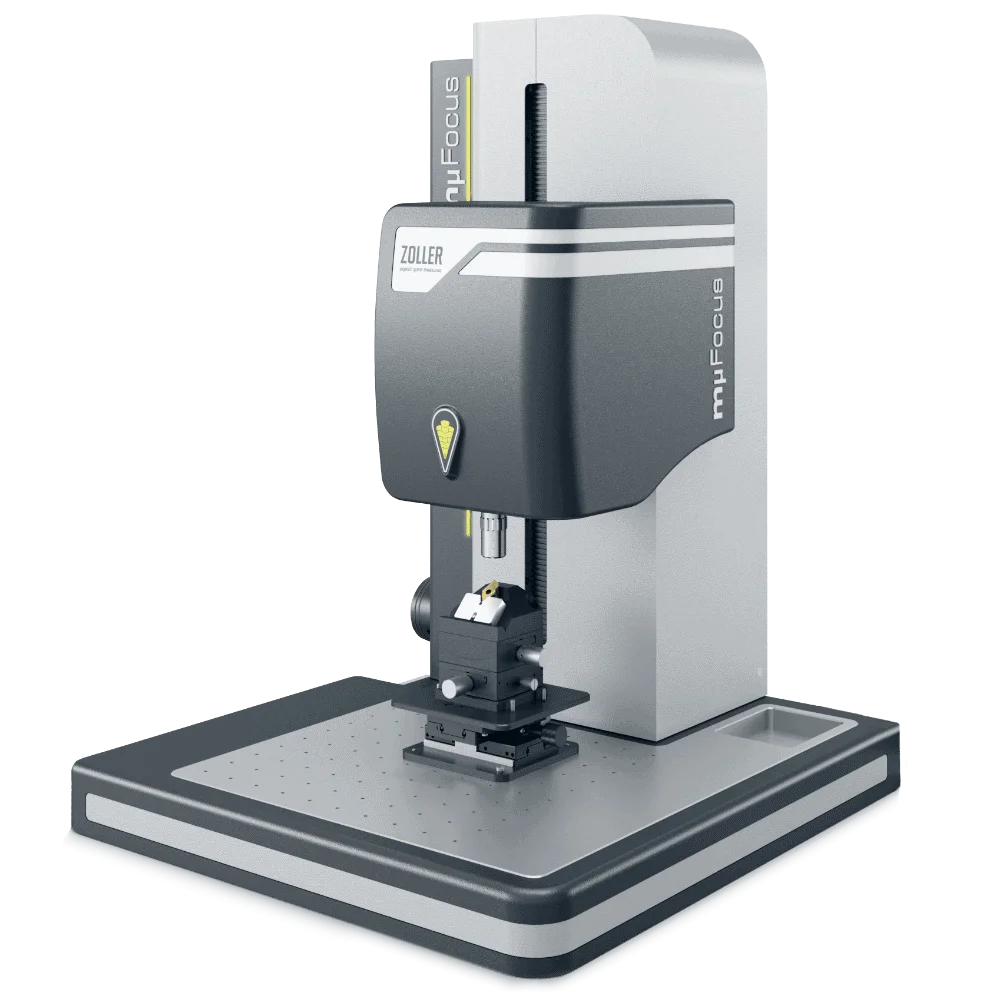



For the analysis of rounding, surface and profile roughness
 Comprehensive protection of components
Comprehensive protection of components
Comprehensive protection of the components
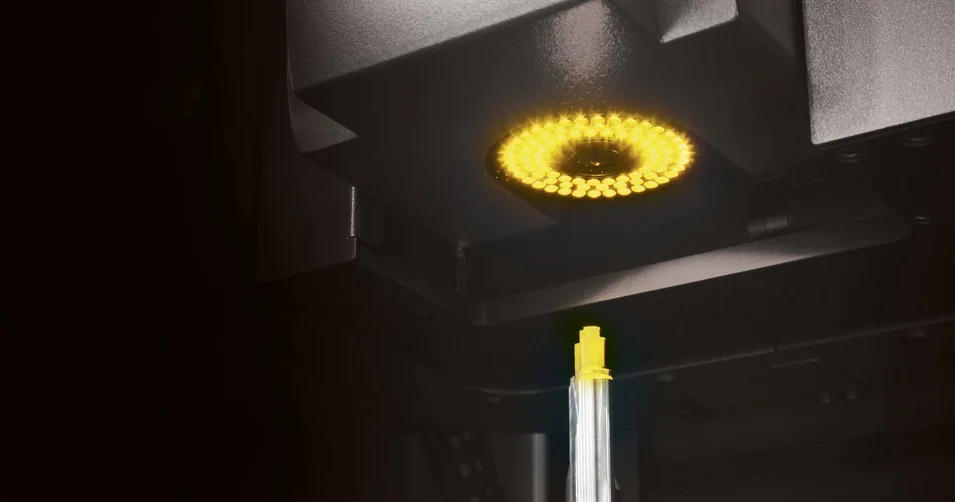
»mμFocus« measurement technology and mechanics are safely protected against moisture, dirt and dust. This means a long service life and makes »mµFocus« ready for use directly in production. Special measuring rooms are not required.
Fine adjustmentFine adjustment
Manual fine adjustment of the Z-axis
After manual pre-positioning, you can use the precise handwheel to bring the sensor to the correct height and thus place the focal plane precisely on the desired cutting area.
Measuring sensor variantsMeasuring sensor variants
Measuring sensor variants
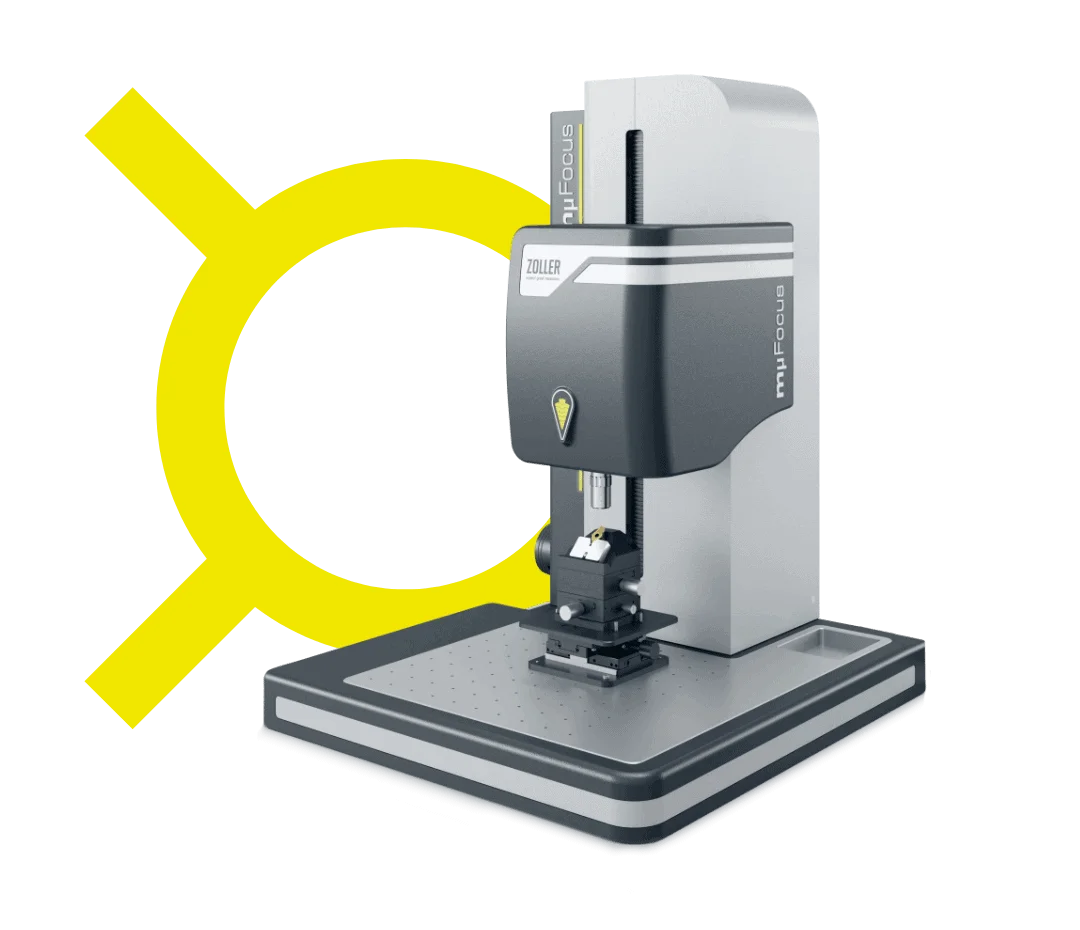
The blue symbol indicates the version with the »zep sensor«(ZOLLER Edge Preparation). This allows you to measure the cutting edge preparation with high precision.
If this symbol is yellow, then the optional confocal microscope with the »zep-R sensor«(ZOLLER Edge Preparation Roughness) is installed. This sensor also analyzes the surface roughness.
Tool holdersTool holders
Many tool holders available
With the numerous optional tool holders available, you can use »mµFocus« for a wide variety of tools - for example for tools with clamping sleeves or for indexable inserts.
»Pilot 4.0« measurement software»Pilot 4.0« measurement software
»pilot 4.0« measurement software
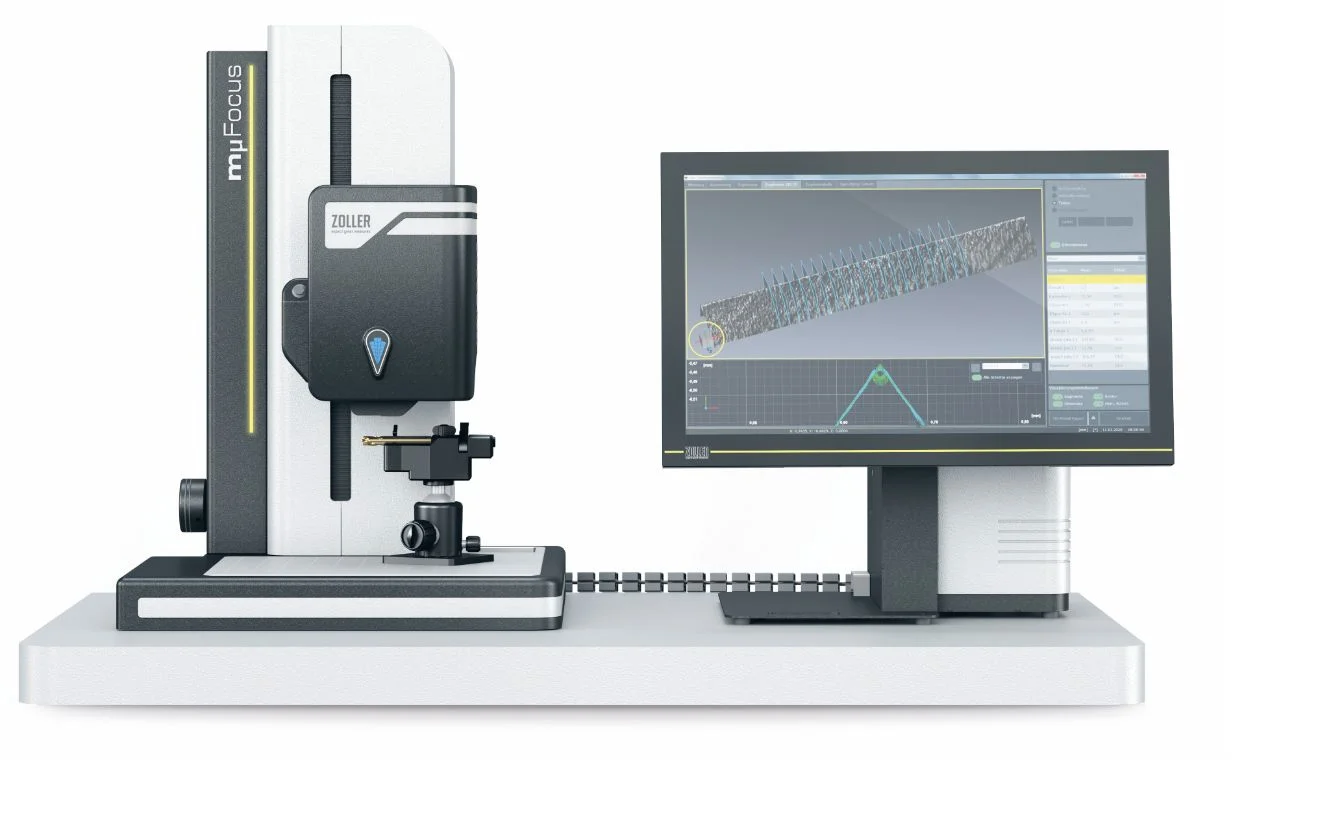
The »pilot« device software offers you comprehensive convenience. Selection and input fields are clearly laid out, all functions support efficient working and you have many options for processing and displaying measured values.
Comprehensive protection of the components
»mμFocus« measurement technology and mechanics are safely protected against moisture, dirt and dust. This means a long service life and makes »mµFocus« ready for use directly in production. Special measuring rooms are not required.
Manual fine adjustment of the Z-axis
After manual pre-positioning, you can use the precise handwheel to bring the sensor to the correct height and thus place the focal plane precisely on the desired cutting area.
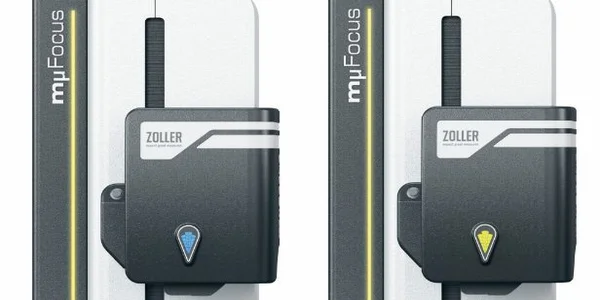
Measuring sensor variants
The blue symbol indicates the version with the »zep sensor«(ZOLLER Edge Preparation). This allows you to measure the cutting edge preparation with high precision.
If this symbol is yellow, then the optional confocal microscope with the »zep-R sensor«(ZOLLER Edge Preparation Roughness) is installed. This sensor also analyzes the surface roughness.
Many tool holders available
With the numerous optional tool holders available, you can use »mµFocus« for a wide variety of tools - for example for tools with clamping sleeves or for indexable inserts.
»pilot 4.0« measurement software
The »pilot« device software offers you comprehensive convenience. Selection and input fields are clearly laid out, all functions support efficient working and you have many options for processing and displaying measured values.
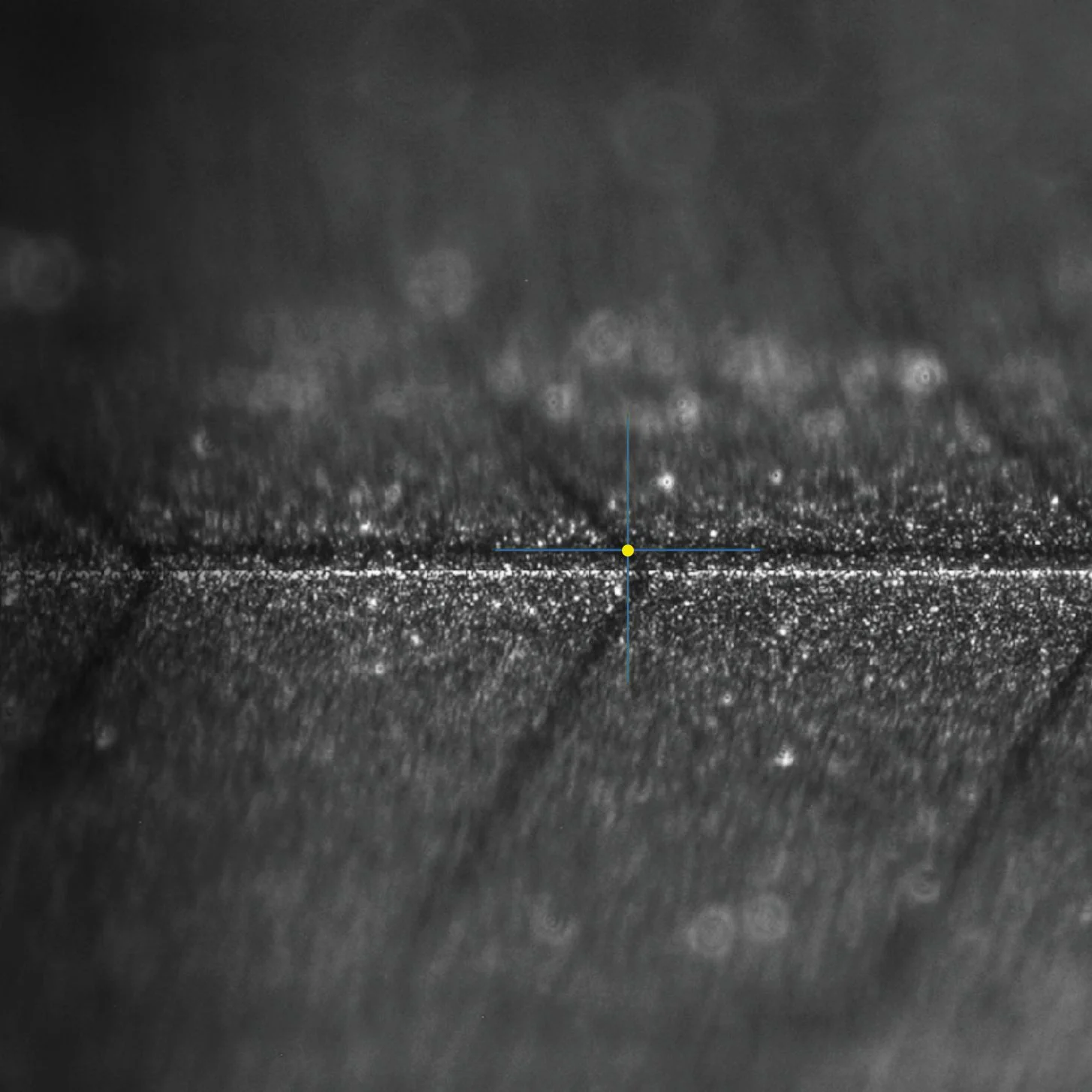
High-precision three-dimensional images
Using many individual images, »mµFocus« calculates highly precise 3D representations of the tool cutting edge. You determine the depth of detail via the number of images. The measurement result can be displayed topographically, in grayscale, as measurement curves or in tabular form according to DIN. The most perspective-rich view of tool cutting edges.
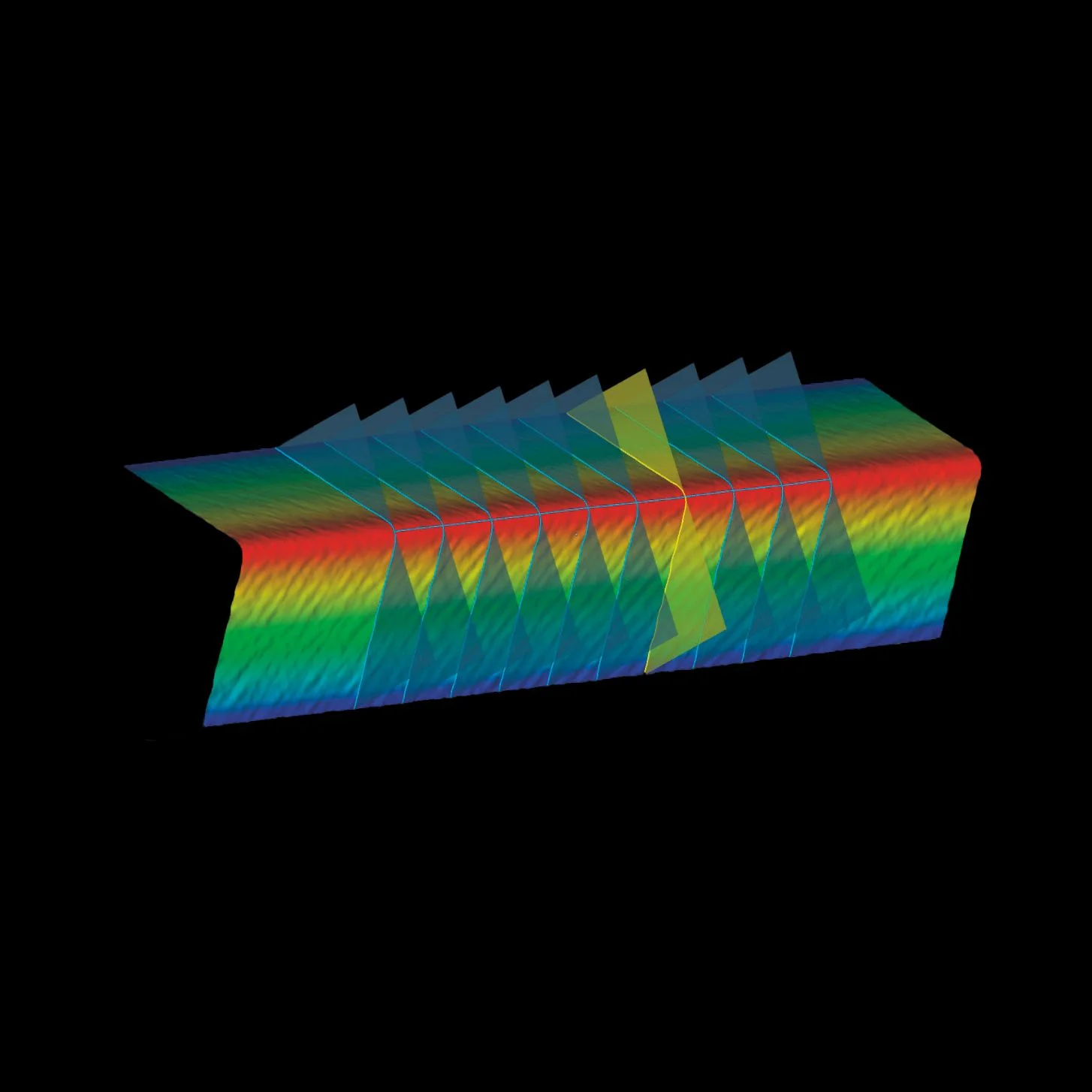
Detect roughness with color-coded topography
»mµFocus« visualizes the roughness quality factor using easily distinguishable colour coding. Light and dark blue dots represent depressions, yellow and red dots indicate elevations. The light blue line represents the measuring section. Scoring, for example, can be quickly identified using the color coding.
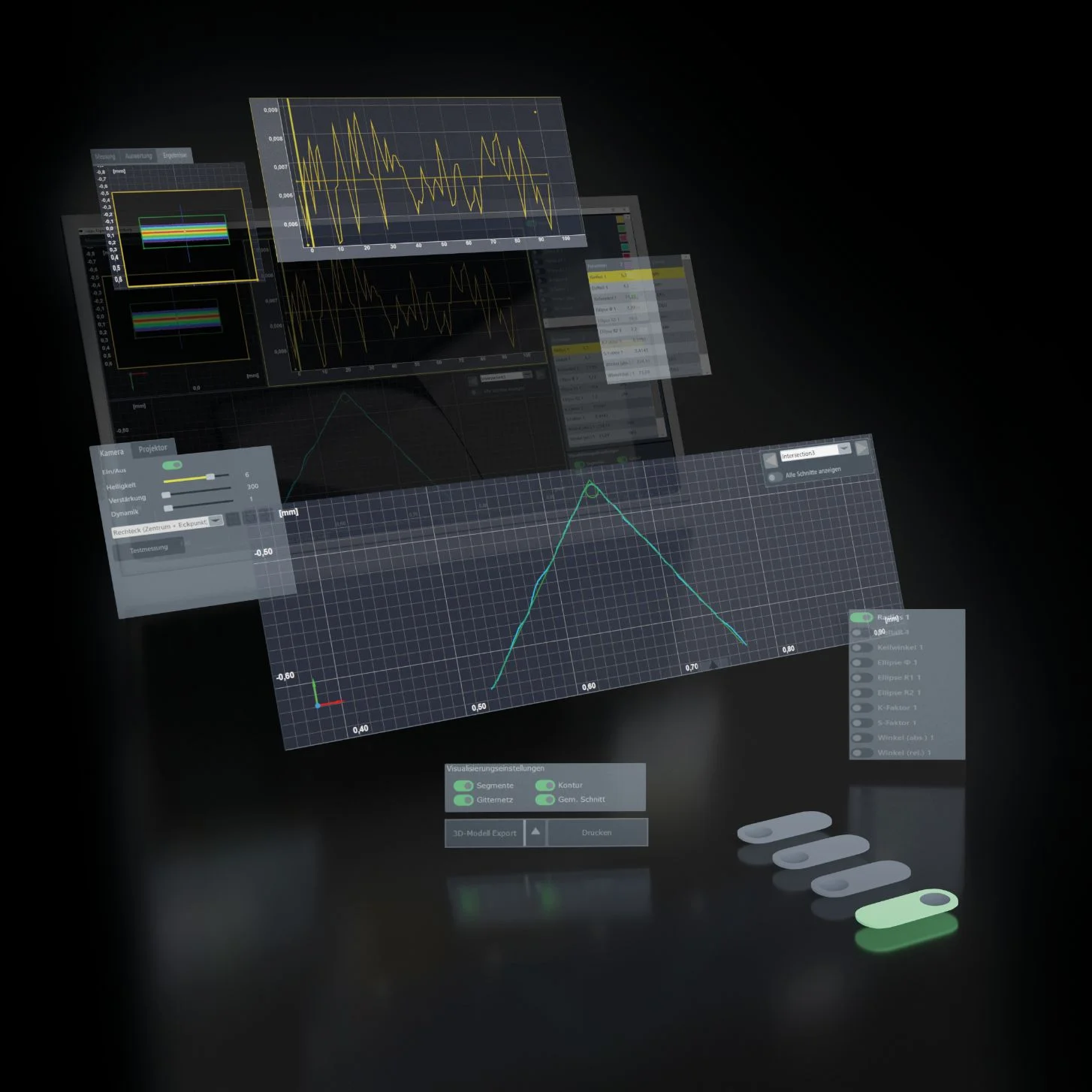
»pilot 4.0«: Perfection with image data
»pilot 4.0« supports you perfectly. Simple operation, clear icons for cutting edge shapes and fast navigation through the menu structure characterize this device software. The integrated image processing calculates meaningful diagrams and 3D visualizations from image data. You will immediately recognize the unmistakable signature of your tool production.